Exodus recovery depends on a usable backup or surviving wallet data
Exodus recovery can work without a written backup if you can still unlock the wallet or access an existing recovery method. Retrieve its 12-word recovery phrase before erasing the device, or use a previously configured passkey backup. If every usable copy of the keys and backup data is gone, Exodus cannot recreate the wallet.
A forgotten password, a missing phrase, and an empty restored wallet require different responses. Preserve the device that might hold your keys while identifying which recovery material remains. Creating a new wallet does not restore the old one.
The Phrase, Password, and Local Wallet Data
The 12-word recovery phrase generates the private keys that control the software wallet's assets. Those assets remain on their blockchain networks. Restoring the phrase rebuilds access to the keys; the app then retrieves balances and transaction history. An Exodus Desktop password or mobile device lock protects an existing installation. Knowing that password alone does not supply the keys to a fresh installation on another device.
Exodus Support can help explain recovery procedures and troubleshoot errors. It does not hold your software wallet's private keys or a replacement recovery phrase. Proof of a previous deposit cannot substitute for the key material that authorizes spending.
Can You Restore an Exodus Wallet Without a Written Backup?
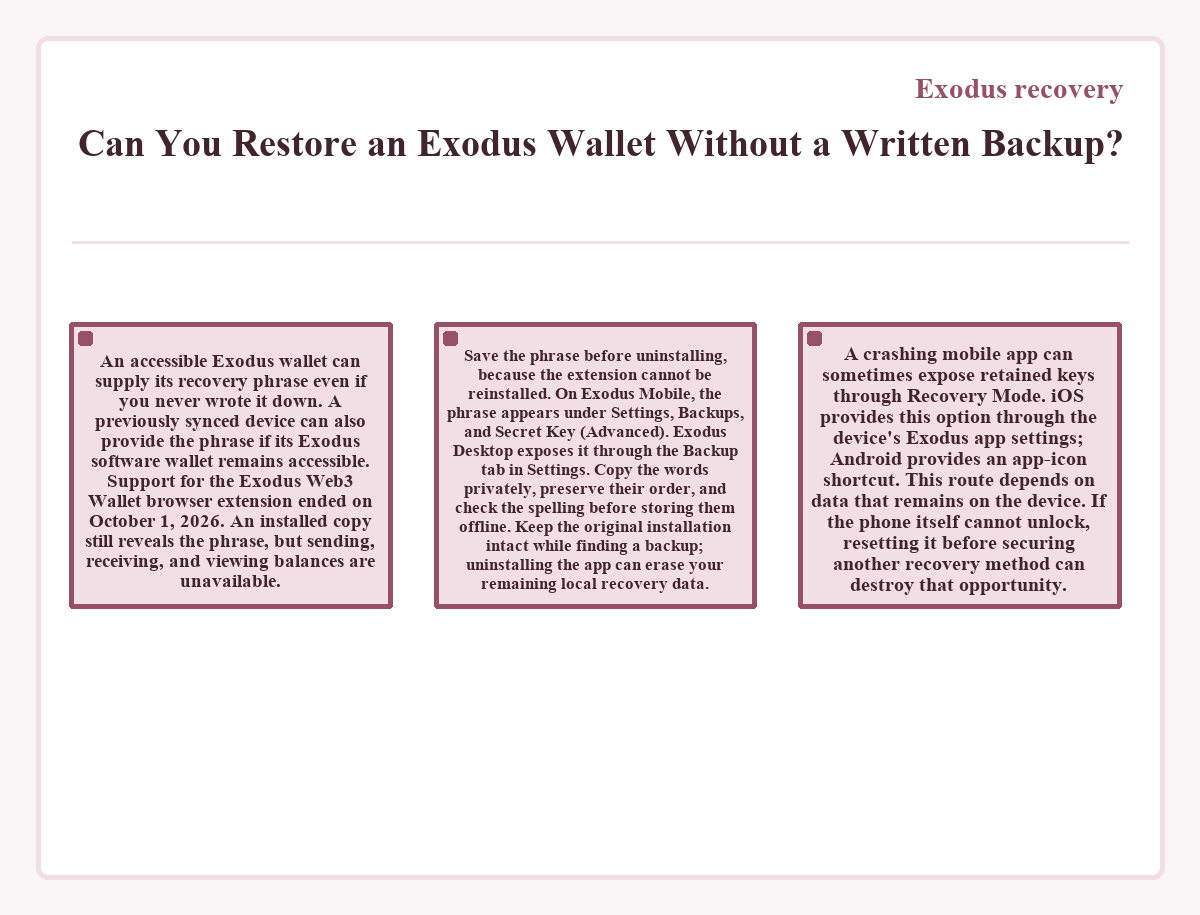
An accessible Exodus wallet can supply its recovery phrase even if you never wrote it down. A previously synced device can also provide the phrase if its Exodus software wallet remains accessible. Support for the Exodus Web3 Wallet browser extension ended on October 1, 2026. An installed copy still reveals the phrase, but sending, receiving, and viewing balances are unavailable. Save the phrase before uninstalling, because the extension cannot be reinstalled. On Exodus Mobile, the phrase appears under Settings, Backups, and Secret Key (Advanced). Exodus Desktop exposes it through the Backup tab in Settings. Copy the words privately, preserve their order, and check the spelling before storing them offline.
Keep the original installation intact while finding a backup; uninstalling the app can erase your remaining local recovery data.
A crashing mobile app can sometimes expose retained keys through Recovery Mode. iOS provides this option through the device's Exodus app settings; Android provides an app-icon shortcut. This route depends on data that remains on the device. If the phone itself cannot unlock, resetting it before securing another recovery method can destroy that opportunity.
Passkey Backups and Earlier Recovery Methods
An existing passkey backup stores the encrypted recovery phrase in iCloud on iOS or Google Drive on Android. The passkey manager holds the credential that decrypts the file. Restoration through this method requires both the encrypted backup file and its associated passkey. Exodus Mobile supports this route on passkey-capable devices using the same operating system as the original backup device. An ordinary phone cloud backup does not include the recovery phrase and cannot restore the wallet.
Cloud backups created before November 2024 could use a confirmation email or mobile phone number. Restoring through that legacy method includes a 7-day security waiting period. After restoration, that backup must be upgraded to a passkey backup. Its waiting period is separate from the time that blockchain synchronization takes.
Email recovery links belong to a different, older backup system. Creating new links ended in February 2019. Previously created links remain usable through Exodus Desktop with the password that protected the wallet when the link was created. A later password change does not replace that original decryption password, and the recovery link must still be available.
Restoring the Intended Wallet
Restoration starts with saving the recovery phrase for any different software wallet already present on the destination device. Restoring a software wallet replaces the active software wallet in that Exodus installation. Exodus Mobile accepts the phrase through Settings, Restore account, and Secret Key (Advanced). For a new Exodus Desktop wallet, select Import Wallet on the welcome screen. Existing wallets use Restore on the password screen if password-protected, or Restore from 12-word phrase in the developer menu if no password is set. Enter all 12 words in order, using lowercase letters and correct English spelling. Exodus then rebuilds wallet access and synchronizes balances with the blockchain. Wallet history affects synchronization, so accepting the phrase does not establish that every balance has finished loading.
The Only Accessible Copy Before a Phone Reset
An accessible original wallet can supply the phrase needed to restore access on a replacement device. In this hypothetical case, the original phone still unlocks Exodus, no phrase backup has been saved, and the replacement device contains an empty installation. The phone stays intact until access on the replacement device has been confirmed.
This restoration does not transfer crypto between addresses, so it creates no blockchain transaction fee. Moving funds to a different wallet would incur the applicable network fees for those transfers. Those costs depend on the network, transaction requirements, and fee conditions when sending. The app displays the estimated transfer fee before submission.
Before resetting the original phone, the owner records its phrase offline and enters those words into Exodus on the replacement device. The expected state is the original wallet's known transactions and supported balances after synchronization. In this case, those records appear on the replacement device. The saved phrase now provides a recovery method independent of the original installation.
Why Is My Restored Exodus Wallet Empty?
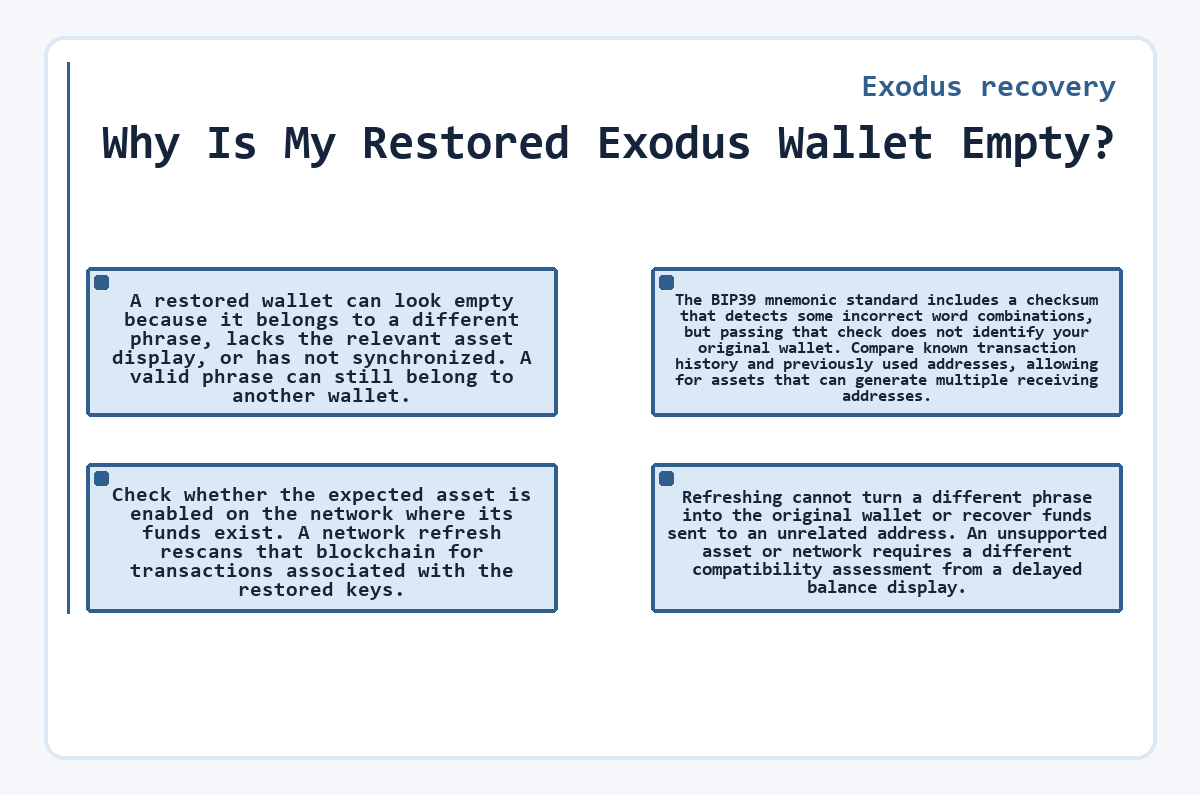
A restored wallet can look empty because it belongs to a different phrase, lacks the relevant asset display, or has not synchronized. A valid phrase can still belong to another wallet. The BIP39 mnemonic standard includes a checksum that detects some incorrect word combinations, but passing that check does not identify your original wallet. Compare known transaction history and previously used addresses, allowing for assets that can generate multiple receiving addresses.
Check whether the expected asset is enabled on the network where its funds exist. A network refresh rescans that blockchain for transactions associated with the restored keys. Refreshing cannot turn a different phrase into the original wallet or recover funds sent to an unrelated address. An unsupported asset or network requires a different compatibility assessment from a delayed balance display.
Local Archives and Compromised Keys
An overwritten wallet can remain recoverable from archived data even when its written phrase is missing. Exodus Mobile exposes retained keys in backup history; its retention setting governs how long archives remain. The Exodus Desktop rescue method uses archived wallet data kept for 90 days after an overwrite. Both methods depend on surviving files. Preserve a private copy of the Exodus Desktop data folder before moving archive files, and close Exodus before changing the active wallet folder.
Uninstalling or formatting can erase these archives before their retention window expires.
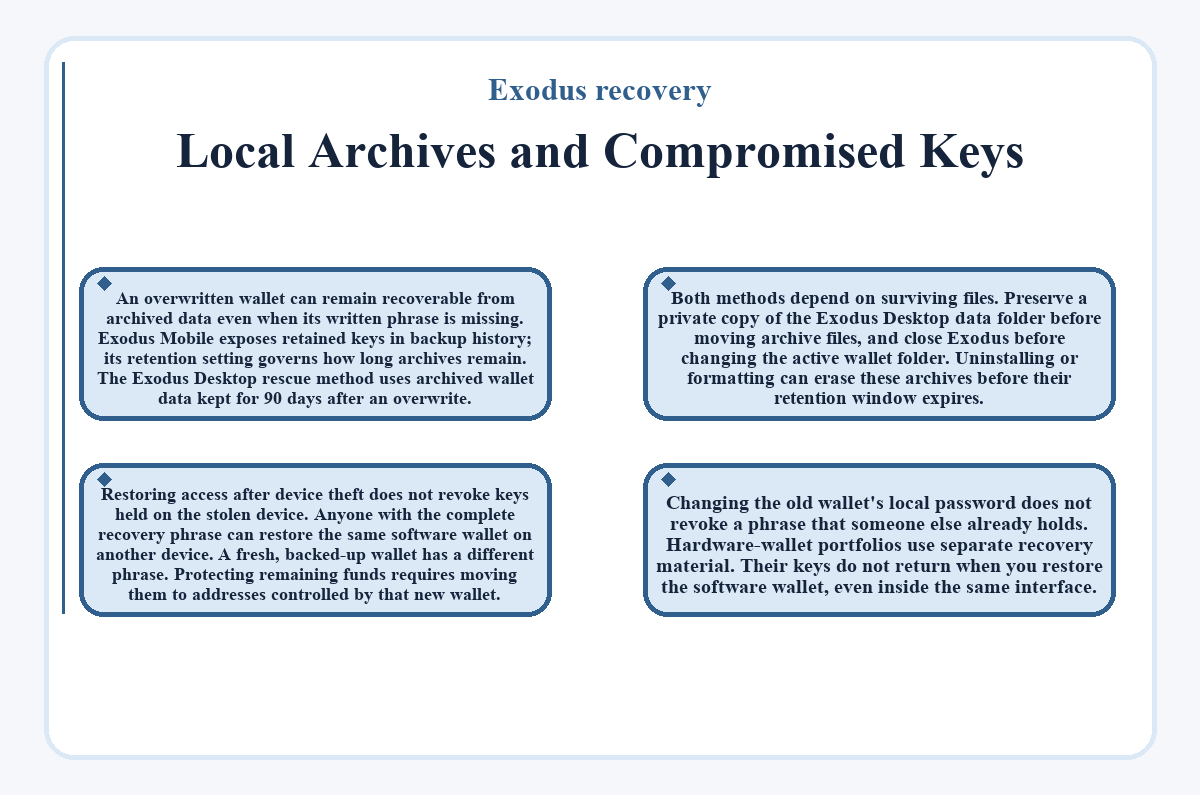
Restoring access after device theft does not revoke keys held on the stolen device. Anyone with the complete recovery phrase can restore the same software wallet on another device. A fresh, backed-up wallet has a different phrase. Protecting remaining funds requires moving them to addresses controlled by that new wallet. Changing the old wallet's local password does not revoke a phrase that someone else already holds.
Hardware-wallet portfolios use separate recovery material. Their keys do not return when you restore the software wallet, even inside the same interface.
Common questions
What Can a Wallet Address Tell Me If I Have Lost the Recovery Phrase?
A wallet address can help identify blockchain records, but it cannot restore the keys that authorize spending. A transaction ID can also help locate a particular transfer where the network makes those details available. These records may help diagnose a missing balance. They do not decrypt local wallet data, replace a recovery phrase, or let support recreate your private keys.
Does Restoring From the Phrase Require My Previous Desktop Password?
A phrase-based restore does not require the previous Desktop password. The complete recovery phrase supplies access to the software wallet, and you can create a new password after restoring on Desktop. Recovering encrypted local wallet files is different: the password that protected those files may still be necessary. An old email recovery link also requires the password used when that link was created.
Can I Restore My Exodus Wallet in Another Wallet App?
Another wallet app can restore compatible assets if it accepts the 12-word phrase and supports the derivation paths that Exodus uses. Derivation paths determine which addresses and private keys come from that phrase. Matching phrase length alone does not establish compatibility. Some apps may recover only part of the portfolio, and importing the phrase exposes all its keys to that application's security.
Which Funds Can I Recover With Only One Saved Private Key?
A saved private key can provide access to the addresses that it controls, subject to compatible wallet and network support. It does not replace the recovery phrase for the entire Exodus software wallet. Other funds may use different keys or derivation paths. The recoverable scope therefore depends on the exact key you retained, rather than the total portfolio that Exodus previously displayed.
Is My Original Email Recovery Link Available From Exodus Support?
Exodus cannot resend an old email recovery link. This legacy method requires the link you originally received and the password that your wallet used when you created it. Having access to the same email account does not generate a replacement link. A surviving phrase or another existing recovery method remains separate from that email backup.
Can I Cancel a Legacy Cloud Restore That I Did Not Request?
A legacy cloud restore using confirmation email or SMS can be canceled during its 7-day waiting period. The notification provides the cancellation option. This applies to backups created before November 2024 using that confirmation method. If you did not request the restore, cancel it immediately, secure the associated cloud and confirmation accounts, and contact Exodus Support. The request does not establish that the wallet has already been restored.